

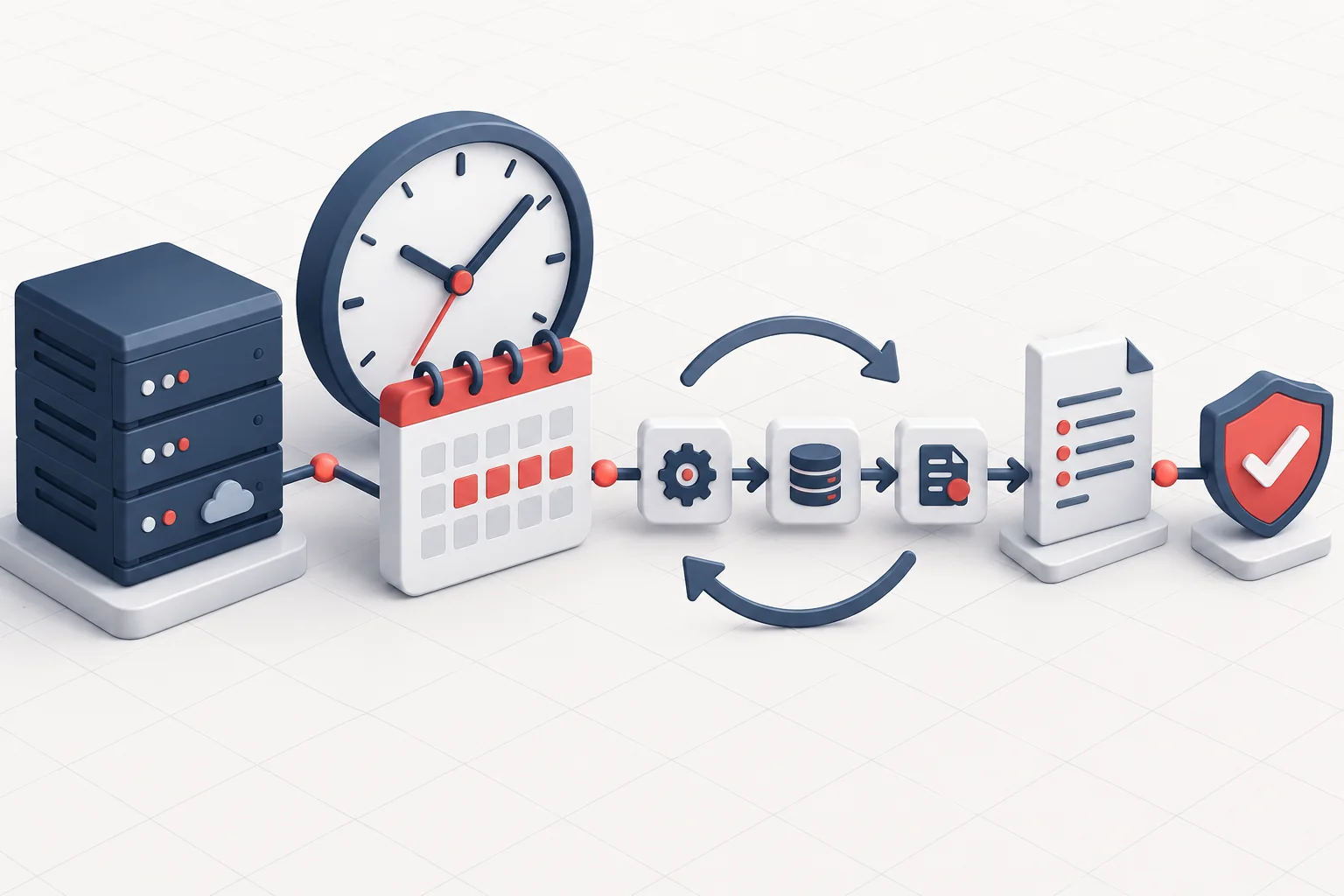
Cron starts recurring server tasks at scheduled times, such as backups, reports or application maintenance. A successful start does not automatically mean the task completed without errors.
We explain cron expression syntax, safe command basics, logging and protection against overlapping runs.
What does cron schedule?
A crontab entry consists of five time fields and a command. The task runs with the permissions of the user whose crontab contains it.
| Field | Range |
|---|---|
| Perc | 0–59 |
| Hour | 0–23 |
| Day of the month | 1–31 |
| Month | 1–12 |
| Day of the week | 0–7, where 0 and 7 mean Sunday |
 Open image full size
 Example of a logged task
This example runs an application command every 15 minutes. It uses absolute paths and directs standard output and errors to the same log.
*/15 * * * * /usr/local/bin/php /var/www/app/bin/console app:task >> /var/log/app-task.log 2>&1Making automation reliable
- Use absolute paths; cron's environment and PATH may differ from your interactive terminal.
- Set the working directory, required environment variables and correct user.
- Log output and monitor the exit code; silence does not prove a successful run.
- For long-running tasks, prevent overlapping instances, for example with flock.
- Do not place secrets directly in crontab entries or world-readable logs.
- Check the server time zone and daylight saving effects.
Prevent overlapping runs
With -n, the new instance does not wait if the previous one is still running. Decide whether this suits your workflow, and make sure skipped runs are reported too.
*/5 * * * * /usr/bin/flock -n /run/lock/app-task.lock \
  /usr/local/bin/php /var/www/app/bin/console app:task >> /var/log/app-task.log 2>&1
If it works manually but not from cron
- Check which user's crontab contains the task.
- Check absolute command and file paths, permissions and the working directory.
- Temporarily redirect all output to a log and inspect the system cron log.
- Compare the required environment variables and time zone.
- Make the task idempotent so that repeated runs do not cause duplicates or data loss.

