

WordPress security does not depend on one plugin. Regular updates, least-privilege access, code from trusted sources and tested backups together provide practical protection.
This checklist focuses on day-to-day operations: what to update, how to manage access, what to monitor and how to prepare for a failure or compromise.
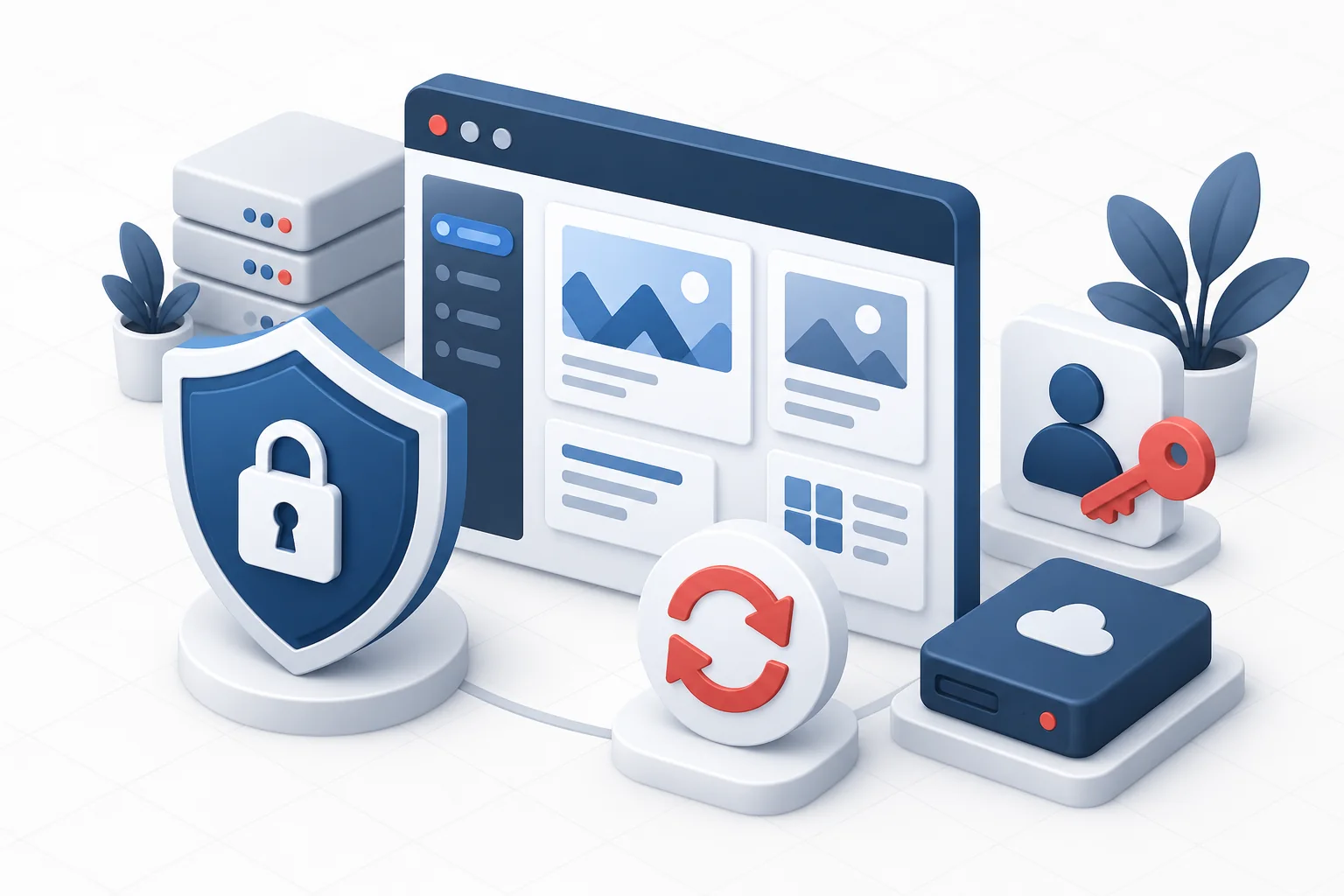
Security has multiple layers
The aim is not to eliminate every risk, but to reduce the attack surface, detect suspicious activity quickly and retain the ability to recover.
 Open image full size
 Weekly maintenance checklist
- Create a fresh backup and verify that it is accessible.
- Update WordPress core, plugins and themes in a test environment or during a low-traffic window.
- After updating, check sign-in, forms, ordering and other business-critical features.
- Remove unused plugins and themes; disabled code can still be vulnerable.
- Check administrator accounts, failed sign-ins and unusual hosting changes.
Access and permissions
- Each operator should use an individual account; do not share an administrator password.
- Grant only the role required for the task and revoke temporary access afterwards.
- Use a unique, long password and multi-factor authentication where available.
- Use an encrypted SFTP or FTPS connection to copy files.
- Install plugins and themes only from known, maintained sources.
Backups, logging and recovery
| Area | Minimum requirement |
|---|---|
| Backup | Files and database, stored separately from the web root. |
| Retention | Copies from multiple recovery points, with a documented deletion policy. |
| Check availability | Regular test restores in a separate environment. |
| Observation | Monitor availability, errors, disk usage and suspicious sign-ins. |
| Response plan | Contact person, isolation steps and a clean recovery point. |
If you suspect a compromise
- Do not fix only the visible symptom: restrict access and preserve logs for investigation.
- Rotate affected WordPress, hosting, database and integration credentials from a secure device.
- Identify the entry point, then update or remove the vulnerable component.
- Restore from a verified pre-infection backup, then inspect the system again.
- Document the incident and seek appropriate legal or privacy advice if personal data may be affected.

