

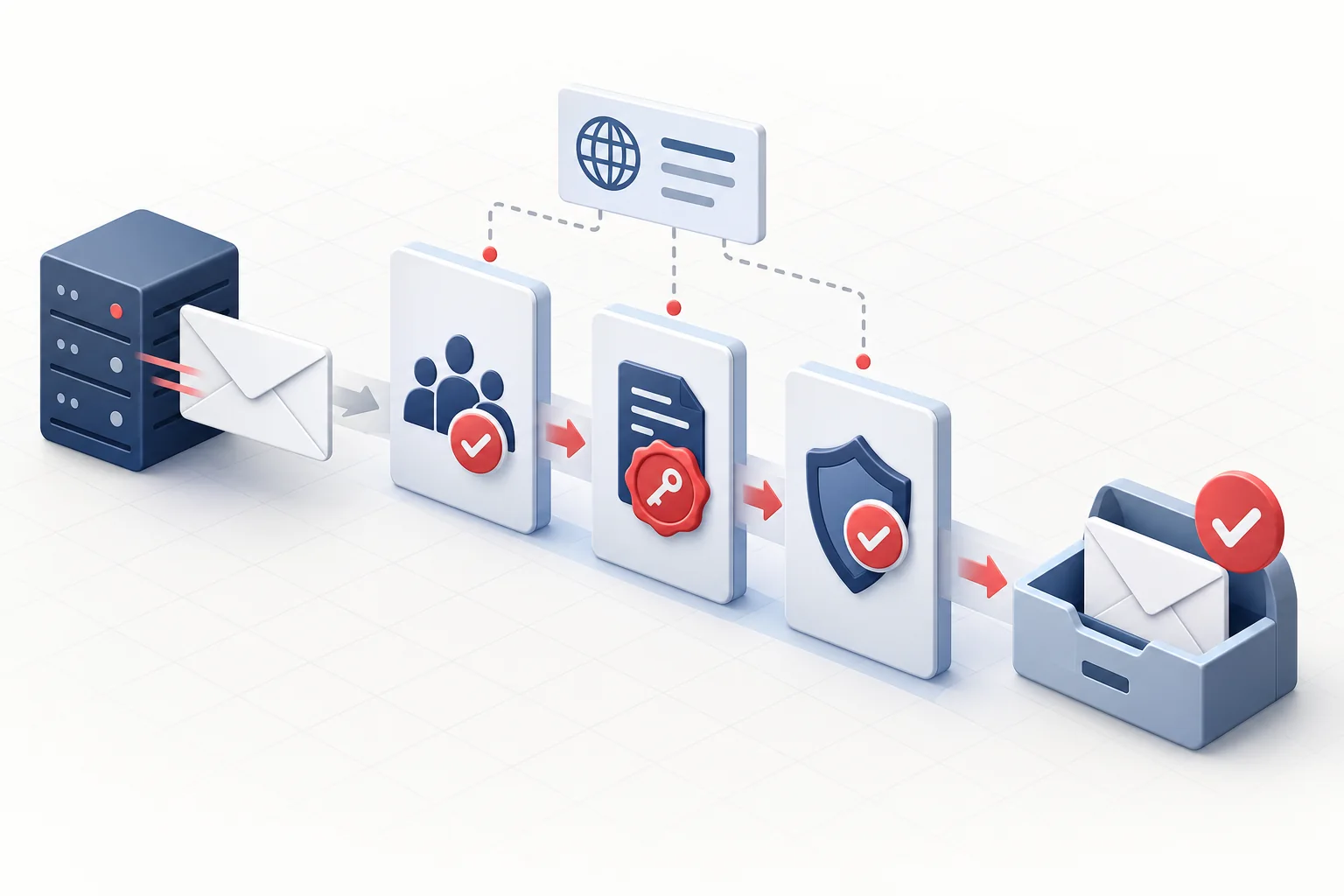
SPF, DKIM and DMARC work together to help receiving mail systems assess whether a message claiming to come from a domain is authentic. Each serves a different purpose, so they do not replace one another.
This guide helps you inventory sending services, configure DNS correctly and introduce a DMARC policy gradually without losing legitimate email.
Three separate checks, one shared goal
The receiving system evaluates authentication results, sender domain alignment and its own delivery policies together. A correct DNS record alone does not guarantee delivery.
| Technology | What does it check? | Where do you configure it? |
|---|---|---|
| SPF | Which servers may send on behalf of the domain. | DNS TXT-rekordban. |
| DKIM | Whether the email's digital signature is intact. | The sender holds the key; the public key is published in DNS. |
| DMARC | Whether SPF or DKIM aligns with the visible sender domain, and what happens on failure. | In a DNS TXT record, with a reporting address and policy. |
 Open image full size
 1. Start with a sender inventory
- Your own mail server and webmail.
- Website forms and online shop transactional emails.
- Newsletter, billing, CRM and support systems.
- Automation, monitoring and external development services.
- Email clients used by staff.
2. Configure each service separately
- Include only actual senders in the SPF record. Publish one combined SPF policy at a domain name, not multiple competing records.
- Enable DKIM signing in each sending service, then publish the selector._domainkey TXT record supplied by that provider.
- Send a test email to an external mailbox and inspect Authentication-Results in its headers.
- Publish the DMARC record only after SPF and DKIM work, using a monitoring policy of p=none and a reporting address whose reports you actually process.
- Use the reports to correct missing sender configurations, then gradually move to quarantine and, where justified, reject.
What does alignment mean?
DMARC checks more than whether SPF or DKIM passes somewhere. At least one passing authentication domain must align with the domain in the visible From header. This prevents an unrelated, technically authenticated sender from using your visible sender address.
Post-launch checklist
- The domain has no competing SPF records, and its policy includes no obsolete senders.
- DKIM returns pass on every active sending route.
- Identify unknown sources in DMARC reports before blocking them.
- Bounces and delivery failures are monitored.
- Document DNS changes and retire old selectors through a planned process.
- For high-volume sending, regularly review receiving providers' current requirements too.

